← Puppy Potty Schedule Generator
How to use the puppy potty schedule generator
The free generator turns your puppy’s age and daily routine into a suggested potty-break schedule (also called potty training or toilet training) that you can print or add to your calendar. Here’s how to use it, step by step, with examples of what you’ll get.
yes.pet provides general information only. Not a substitute for professional veterinary advice, diagnosis or treatment, and does not create a veterinarian–client–patient relationship (VCPR). Always consult your veterinarian.
- Open the generator. Open the free puppy potty schedule generator. It runs in your browser — no sign-up, nothing to install.
- Enter your puppy’s age. Type your puppy’s age in months. The younger the puppy, the more often the schedule will suggest breaks.
- Set meals and breed size. Choose how many meals a day your puppy eats and pick the breed size. Both change how the day is spaced — smaller breeds and more meals mean more frequent breaks.
- Set wake-up and bedtime. Enter when your puppy wakes and goes to bed so the plan covers your real day, from the first morning break to the last call at night.
- Generate and read the schedule. Hit Generate schedule. You’ll get a timed list — a break after waking, about 15 minutes after each meal, routine breaks in between, and one before bed. Tap any slot to edit it.
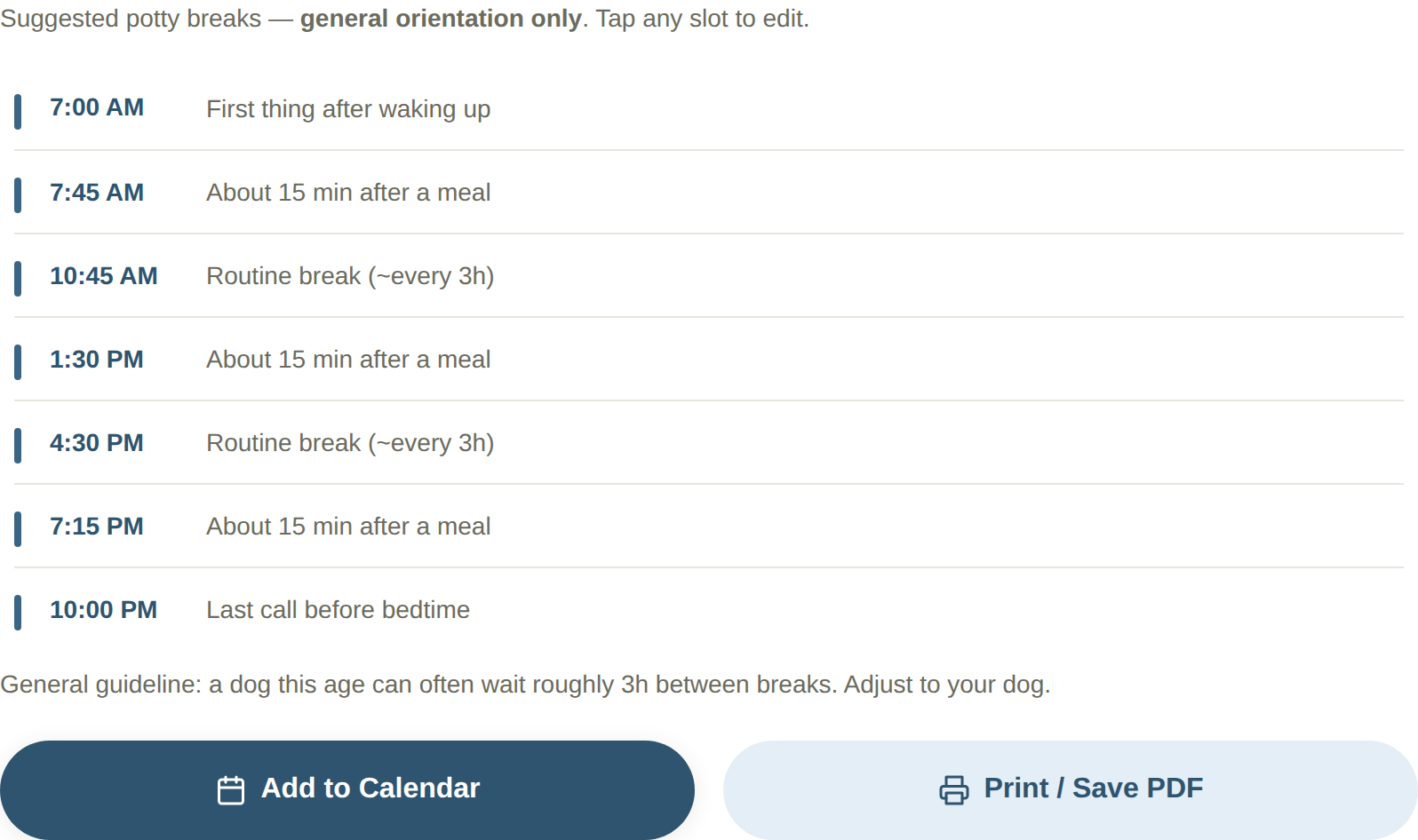
Your generated potty schedule — from the first morning break to the last call before bed. - Print it or add to your calendar. Use Print / Save PDF for a fridge-ready sheet, or Add to Calendar for phone reminders. The printable includes a QR code.
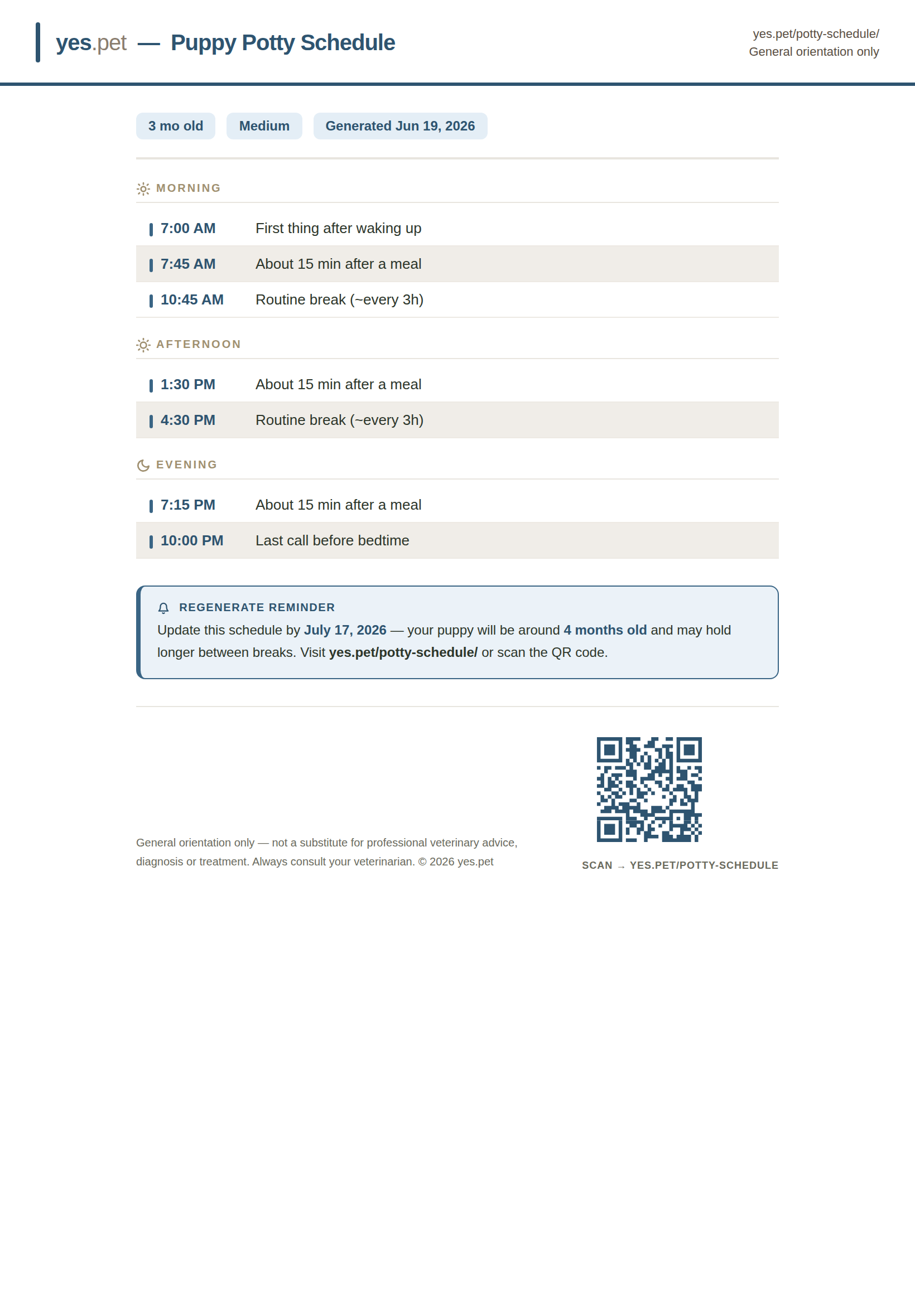
The printable sheet (Print / Save PDF) — grouped by time of day, with a QR code that opens the generator so you can make your own. - Next month, scan the QR. When your puppy is older, scan the QR code on the printout to reopen the generator and build an updated schedule for the new age in seconds.
URL parameters
You can open this tool with its fields already filled in: add the parameters below to this page's address. A value that is not accepted is ignored and the field keeps its default. These parameters can change; the table below is the current list.
| Parameter | Meaning | Accepted values |
|---|---|---|
a | Puppy age (months) | 1-24 |
s | Breed size | toy, small, medium, large, giant |
w | Wake-up time24-hour clock with a leading zero — 07:00, not 7:00. | HH:MM |
b | Bedtime24-hour clock with a leading zero — 07:00, not 7:00. | HH:MM |
m | Meals per day | 2, 3, 4 |
Example linkhttps://yes.pet/potty-schedule/?a=4&s=small&w=06:30&b=22:30&m=3&src=pub-guide
Ready to try it?
It’s free, instant, and runs in your browser — no sign-up.