← Printable Puppy Feeding Calendar
How to use the printable puppy feeding calendar
The free feeding calendar prints a whole month on one page so the household can tick off every meal and nobody feeds the puppy twice. Here’s how to make one, step by step, with an example of the printable you’ll get — QR code included.
yes.pet provides general information only. Not a substitute for professional veterinary advice, diagnosis or treatment, and does not create a veterinarian–client–patient relationship (VCPR). Always consult your veterinarian.
- Open the calendar. Open the free printable puppy feeding calendar. It runs in your browser, with no sign-up.
- Add your dog’s name (optional). Type your dog’s name to personalise the header — handy if more than one pet shares the fridge.
- Choose meals, month and week start. Pick how many meals a day your puppy eats, the month and year, and whether the week starts on Monday or Sunday.
- Generate the printable calendar. Hit Generate printable calendar. You’ll get a clean month-on-a-page chart with a tick box for every meal and a faint date behind each day.
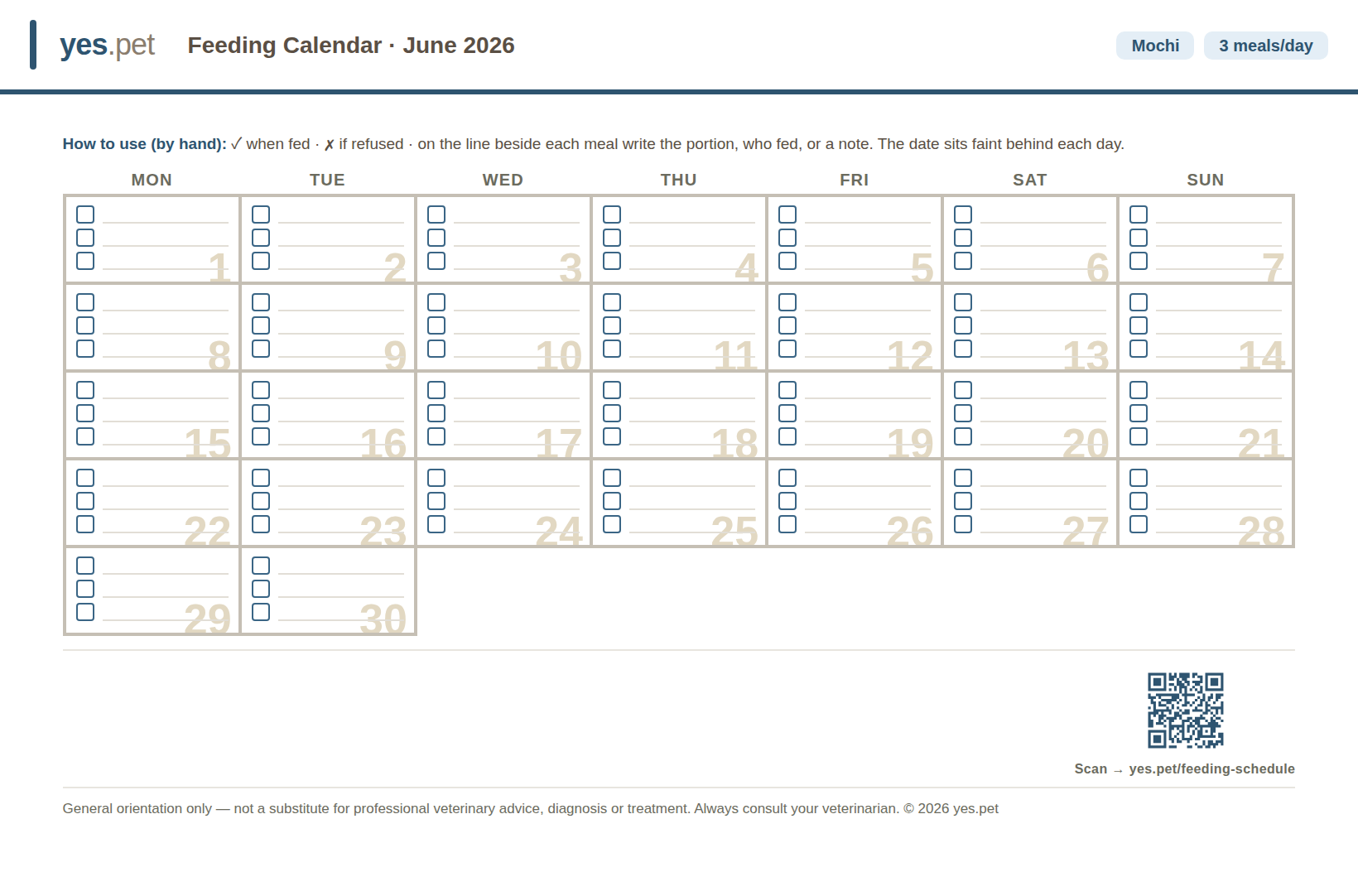
The generated feeding calendar — print it and tick each meal as you go. The QR opens the feeding calendar so you can make your own. - Print it and tick each meal. Print the page and stick it on the fridge. Whoever feeds the puppy ticks the box, so anyone can glance and see the meal is already done.
- Next month, scan the QR. Scan the QR code on the printout to reopen the calendar pre-filled for next month — print the new sheet in seconds.
URL parameters
You can open this tool with its fields already filled in: add the parameters below to this page's address. A value that is not accepted is ignored and the field keeps its default. These parameters can change; the table below is the current list.
| Parameter | Meaning | Accepted values |
|---|---|---|
n | Dog's nameFree text, up to 24 characters. | text |
ml | Meals per day | 2, 3, 4 |
mo | MonthNumeric codes: 0 = January, 11 = December. | 0-11 |
y | YearFour-digit year. Only the years the calendar shows are applied. | YYYY |
ws | Week starts onNumeric codes: 0 = Sunday, 1 = Monday. | 0, 1 |
Example linkhttps://yes.pet/feeding-schedule/?n=Mochi&ml=3&mo=0&ws=0&src=pub-guide
Ready to try it?
It’s free, instant, and runs in your browser — no sign-up.